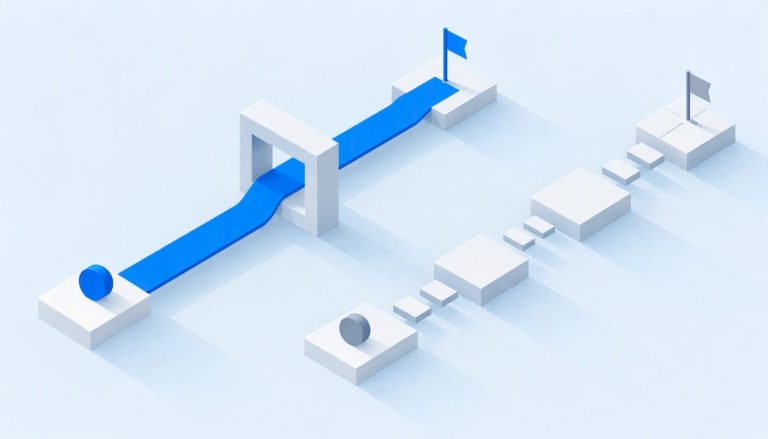
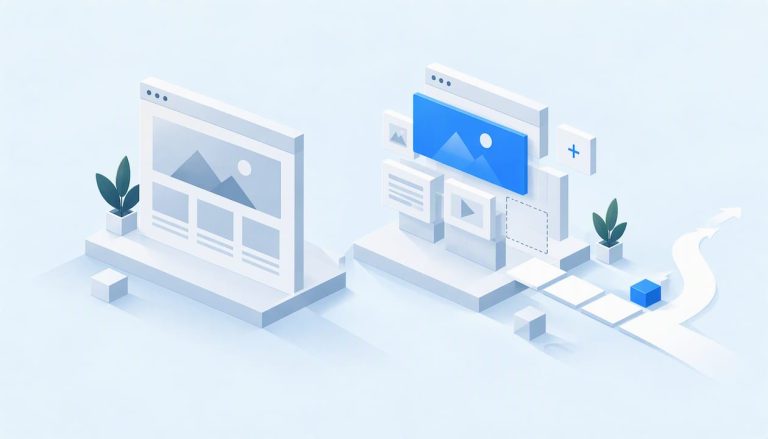
A website prototype is defined as an interactive model of a website that simulates its structure, navigation, and key functionality before any real code is written. Unlike a wireframe or mockup, a prototype lets you click through pages, test user flows, and catch design problems early. This distinction matters because wireframes are static layouts without interactivity, while prototypes behave like a working product. For individuals and teams exploring website design, understanding what a website prototype is and how it fits into the development process can save significant time, money, and frustration down the road.
What is a website prototype, and how does it differ from wireframes and mockups?
A website prototype is an interactive simulation of a website, built before development begins. It is the third and most advanced stage in the design progression: wireframes come first, mockups come second, and prototypes come third.
The differences between the three are clear and practical:
- Wireframes are basic skeletal layouts. They show page structure and content placement with no color, fonts, or interactivity.
- Mockups are static visual designs. They add color, typography, and branding, but you cannot click or navigate through them.
- Prototypes are interactive. You can click buttons, move between pages, and test real user flows.
Mockups are static visual designs while prototypes must be interactive to enable usability testing. That distinction is not just technical. It determines whether your team can actually validate a design before committing to development.
Prototypes also vary by fidelity level. Low-fidelity prototypes use rough sketches or basic digital frames with minimal detail. They are fast to build and ideal for early concept testing. Mid-fidelity prototypes include real content, navigation, and limited interactivity. They work well for internal reviews and stakeholder walkthroughs. High-fidelity prototypes are polished, interactive simulations that closely resemble the finished website. They are the right choice for final usability testing and client sign-off before development starts.

Choosing the right fidelity level depends on where you are in the project. Early stages call for low-fidelity speed. Later stages call for high-fidelity accuracy.
What are the key benefits of creating a website prototype?
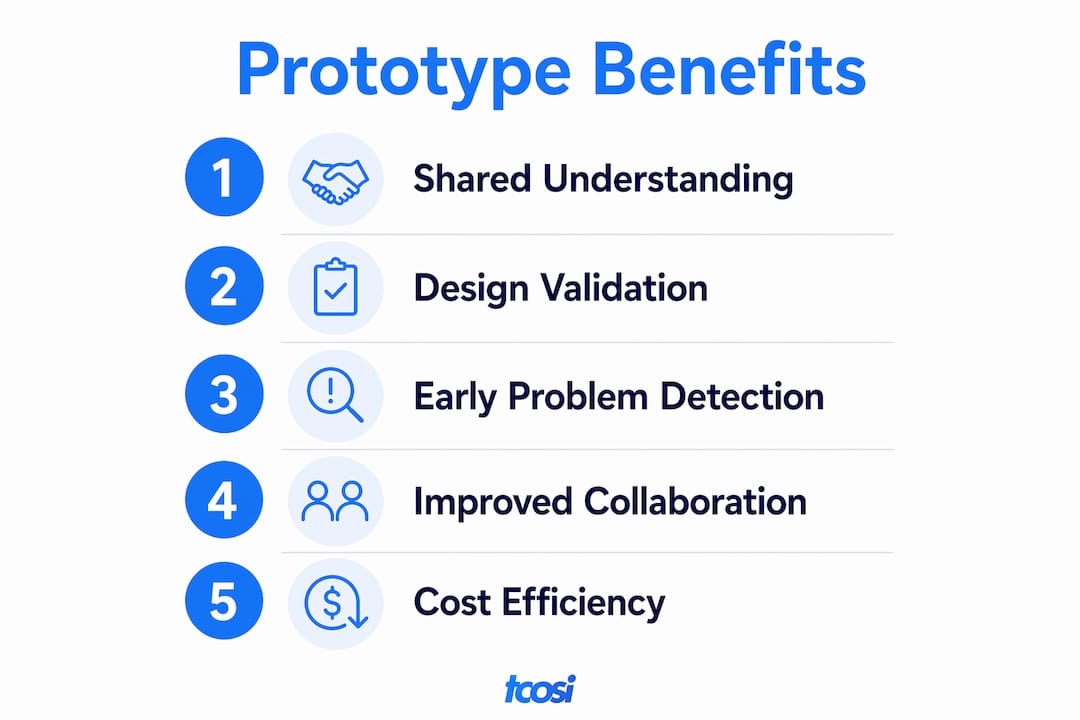
Prototyping delivers measurable results, not just theoretical advantages. Implementing a prototyping phase accelerates development by 20–30% by identifying issues before coding begins. That time saving compounds quickly on larger projects where a single misunderstood requirement can cost days of rework.
The benefits extend well beyond speed:
- Early issue detection. Problems in navigation, layout, or user flow surface during prototyping, not after launch.
- Usability testing. Real users can interact with the prototype and provide feedback before a single line of production code is written.
- Stakeholder alignment. A clickable prototype gives clients and decision-makers something concrete to review, reducing miscommunication.
- Reduced rework. Prototyping prevents costly mistakes by validating navigation flows and features before development locks them in.
- Responsive design planning. Prototypes let teams test layouts across screen sizes before development begins.
“Prototypes act as a bridge between ideas and implementation, helping teams visualize and validate concepts, reducing risks of post-launch disappointment.”
The primary value of prototypes is validation and shared understanding among stakeholders. That shared understanding significantly lowers post-launch risks, because everyone on the team has seen and approved the same interactive model before development begins.
Pro Tip: Show your prototype to someone outside your team before finalizing it. Fresh eyes catch navigation problems that internal reviewers overlook because they already know the intended flow.
Prototyping benefits all project sizes, not just large enterprise builds. Even a simple five-page business website benefits from a clickable prototype. A few hours spent prototyping can save days of development corrections.
How to create an effective website prototype
The most effective prototyping process follows a clear progression. Effective prototyping is systematic: start with core user flows, move through fidelity stages, and refine with real user feedback. Skipping steps in this sequence is where most teams run into trouble.
Here is a practical workflow to follow:
-
Define your core user flows. Before opening any design tool, map out the “happy path.” This is the ideal sequence of steps a user takes to complete a key action, like submitting a contact form or making a purchase. Every other design decision flows from this.
-
Sketch low-fidelity concepts. Start with rough sketches on paper or a basic digital tool. Speed matters here. The goal is to externalize ideas quickly, not to produce polished visuals.
-
Build a mid-fidelity prototype. Add real content, navigation links, and basic interactivity. This stage is where you test whether the structure actually makes sense to someone unfamiliar with the project.
-
Evolve to a high-fidelity interactive prototype. Apply visual design, real copy, and full navigation. Interactive clickable prototypes simulate real navigation and user behavior, which makes usability testing far more reliable than reviewing static mockups.
-
Gather real user feedback and iterate. Share the prototype with actual users or stakeholders. Collect specific feedback on navigation, clarity, and task completion. Revise and repeat until the design holds up under scrutiny.
-
Consider code-based prototypes for complex projects. Building interactive prototypes directly in code with component libraries reduces translation time later and creates “living” prototypes that can evolve into production frontends.
A common pitfall is treating a mockup as a prototype. A mockup shows what a page looks like. A prototype shows how it works. Confusing the two leads teams to skip usability testing and move straight into development with unvalidated assumptions.
Pro Tip: Plan your mobile-friendly design at the prototype stage, not after development. Retrofitting responsiveness is far more expensive than building it in from the start.
The iterative feedback approach is what separates good prototypes from great ones. One round of feedback is rarely enough. The best results come from multiple short cycles of test, learn, and revise.
What role do responsiveness and interactivity play in prototyping?
Responsiveness is not an afterthought in modern website prototyping. Failing to plan mobile responsiveness during prototyping leads to expensive rework during development. Defining breakpoints early is the fix.
The standard responsive breakpoints to include in every prototype are:
| Breakpoint | Screen Width | Use Case |
|---|---|---|
| Desktop | 1200px and above | Full navigation, multi-column layouts |
| Tablet | 768px–1024px | Condensed navigation, adjusted grid |
| Mobile | Below 768px | Single-column, touch-optimized layouts |
Defining these breakpoints at the prototype stage prevents the most common and costly development mistake: designing for one screen size and scrambling to adapt for others after the build is complete.
Interactivity is equally critical. A static mockup cannot tell you whether users understand your navigation. An interactive prototype can. When users click through a prototype and get lost, that is feedback you can act on before development begins. When they get lost in a finished website, the fix is expensive.
The practical difference shows up in testing. Static mockups generate opinions. Interactive prototypes generate behavior data. Behavior data is what actually improves a design.
Pro Tip: Test your prototype on a real mobile device, not just a browser preview. Touch targets that look fine on a desktop screen often feel cramped on an actual phone.
Responsiveness planning also connects directly to avoiding common SEO mistakes. Search engines prioritize mobile-first indexing, so a prototype that ignores mobile layouts is setting the final website up for ranking problems before it even launches.
Key Takeaways
A website prototype is the most reliable tool for validating design decisions before development begins, and skipping it consistently leads to expensive corrections after launch.
| Point | Details |
|---|---|
| Prototype vs. mockup | Prototypes are interactive and testable; mockups are static visuals that cannot simulate user flows. |
| Fidelity levels matter | Match fidelity to your project stage: low for early concepts, high for final validation before development. |
| Speed and cost savings | Prototyping accelerates development by 20–30% by catching issues before coding begins. |
| Responsiveness starts here | Define desktop, tablet, and mobile breakpoints in the prototype to avoid costly rework later. |
| Iterate with real users | One round of feedback is rarely enough; multiple short test-and-revise cycles produce the best results. |
Why I always start with a prototype, no matter the project size
Skipping the prototype is the single most common mistake I see in website projects, and it almost always costs more than the time it would have saved. I have worked on projects where a client was certain they knew exactly what they wanted, and we moved straight into development. Without exception, something important changed once they could actually see and click through the design. The changes were always more expensive to make in code than they would have been in a prototype.
The other thing I have learned is that responsiveness cannot be an afterthought. Teams that prototype only for desktop and plan to “handle mobile later” end up rebuilding significant portions of their layouts. Defining responsive breakpoints at the prototype stage is not extra work. It is the work that prevents double work.
My honest recommendation: do not let project size talk you out of prototyping. A three-page website still benefits from a clickable prototype. The time investment is small. The clarity it creates for everyone involved, including the client, the designer, and the developer, is significant. If you are planning a new website or a redesign, build the prototype first. Every time.
— Tommy Cosimano
Website design that starts with the right foundation
At tcosi, every website project starts with a clear plan before any development begins. That means mapping user flows, validating layouts, and making sure the design works across every device before a single line of code is written. If you are building a new site or rethinking an existing one, working with a team that treats prototyping as a standard part of the process makes a real difference in the final result. tcosi specializes in custom WordPress development and responsive website design for businesses across the United States. Reach out to start a conversation about your project.
FAQ
What is a website prototype in simple terms?
A website prototype is an interactive model of a website that lets you click through pages and test navigation before any real development begins. It sits between a wireframe and the finished product.
How is a prototype different from a mockup?
A mockup is a static visual design showing how a page looks. A prototype is interactive, allowing users to navigate and test real flows, which makes it suitable for usability testing.
How long does it take to create a website prototype?
Timeline depends on fidelity and project complexity. A low-fidelity prototype can be completed in a few hours, while a high-fidelity interactive prototype for a large site may take several days.
Do small websites need a prototype?
Prototyping benefits all project sizes. Even a simple business website gains from a clickable prototype because it surfaces navigation problems and aligns stakeholder expectations before development starts.
What tools are used to build website prototypes?
Teams use a range of design software tools for visual prototypes, as well as code-based approaches using component libraries that produce interactive prototypes capable of evolving directly into production frontends.