Website design is the process of planning, arranging, and building the visual and functional elements of a website so it works for both the people visiting it and the business behind it. Done well, it combines layout, color, typography, imagery, and code into something that feels natural to use and actually moves people to act. Done poorly, it becomes an expensive placeholder that looks fine but does nothing.
Before you pick a color palette or browse templates, get clear on one thing: what is this site supposed to do? Generate leads? Book appointments? Sell products? Every design decision should serve that goal. The foundational elements of any effective site include:
- Layout and structure — how content is organized so visitors find what they need quickly
- Color and typography — visual choices that reinforce your brand and guide the eye
- Images and media — authentic visuals that build trust and support your message
- Responsive design — layouts that adapt cleanly to phones, tablets, and desktops
- Accessibility — design that works for users with disabilities, meeting modern legal standards
- Page speed — fast load times that keep visitors on the page and support search rankings
- Clear calls to action — buttons and prompts that tell visitors exactly what to do next
The basic process follows a logical order: define your site’s purpose, map the user experience, choose your tools or platform, design and build, then test and refine. Most people skip the first two steps and pay for it later.
Pro Tip: Before you touch a single design element, write one sentence describing exactly what you want a visitor to do when they land on your homepage. That sentence is your design brief.
Table of Contents
- What makes a website design actually work?
- Which platforms and tools do most US businesses use?
- Where do you find good design inspiration?
- What experienced designers know that most business owners don’t
- Frequently asked questions about website design
- Working with tcosi on your website
- Key Takeaways
- FAQ
What makes a website design actually work?
Good web design is not about following trends. It is about applying principles that make a site easy to use, easy to trust, and easy to act on. These principles hold up regardless of what industry you are in or how big your business is.

Clarity is the foundation. Every page should have one primary purpose, and that purpose should be obvious within a few seconds of landing on it. If a visitor has to think hard about what you do or where to click, you have already lost them.
Consistency builds trust. Fonts, colors, button styles, and spacing should stay uniform across every page. Inconsistency signals carelessness, and carelessness makes people hesitant to hand over their email address or credit card.
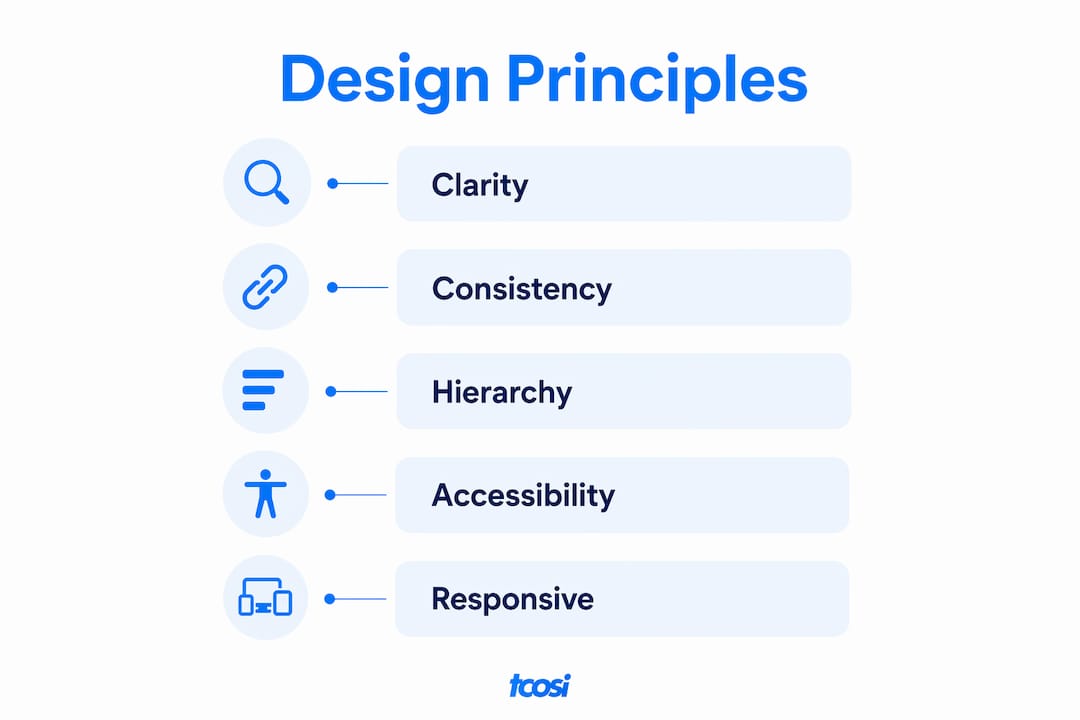
Visual hierarchy directs attention. Larger, bolder elements draw the eye first. Your most important message or call to action should sit at the top of that hierarchy, not buried below a wall of text. Good designers use size, contrast, and whitespace deliberately to guide visitors through a page.
Accessibility is both a legal and ethical responsibility. Designing for users with visual, motor, or cognitive differences means using sufficient color contrast, descriptive alt text on images, keyboard-navigable menus, and readable font sizes. You can learn more about meeting accessibility standards and what they mean for your site specifically.
A few key technical concepts worth knowing:
- Wireframes — simple, low-fidelity sketches of page layouts before any visual design begins
- Mockups — higher-fidelity visual representations showing colors, fonts, and imagery
- CMS (Content Management System) — software like WordPress that lets you manage site content without writing code
- Core Web Vitals — Google’s set of performance metrics; main content should load within 2.5 seconds to avoid ranking penalties and user drop-off
- SEO basics — page titles, meta descriptions, heading structure, and internal linking that help search engines understand your content
Responsive design deserves its own emphasis. Responsive web design means your site’s layout adapts automatically to the screen size being used. With the majority of web traffic now coming from mobile devices, a site that breaks on a phone is not a minor inconvenience — it is a business problem. Good UI/UX design principles treat mobile as the starting point, not an afterthought.
Which platforms and tools do most US businesses use?
The platform you build on shapes everything: your flexibility, your costs, your ability to grow, and how much you depend on a developer for day-to-day changes. Here is an honest look at the major options.
- WordPress — the most widely used CMS in the world, and for good reason. It offers deep customization, strong SEO control, and a massive ecosystem of themes and plugins. A professionally built custom WordPress website typically runs $2,500–$12,000 depending on complexity, with hosting adding $5–$50 per month. It suits businesses that want long-term flexibility and control.
- Canva — primarily a graphic design tool that now includes a basic website builder. It is genuinely beginner-friendly and free to start, making it useful for simple landing pages or portfolio sites. Customization is limited, but the learning curve is nearly flat.
- Wix — a no-code builder with an AI-powered site generator that can produce a basic site in minutes. Good for quick launches and non-technical users, though you trade customization depth for convenience.
- Shopify — purpose-built for e-commerce. If selling products online is your primary goal, Shopify’s payment infrastructure and inventory tools make it the most practical starting point.
- Webflow — a more advanced no-code platform that gives designers pixel-level control without writing code. Steeper learning curve than Wix or Canva, but far more flexibility.
| Platform | Best for | Approximate starting cost | Customization level |
|---|---|---|---|
| WordPress | Small to large businesses, blogs, service sites | $2,500–$12,000 (custom build) | Very high |
| Canva | Beginners, simple landing pages | Free / — | Low |
| Wix | Small businesses, quick launches | Free / — | Medium |
| Shopify | E-commerce businesses | — | Medium–High |
| Webflow | Designers, custom projects | — | High |
The no-code vs. custom development question comes down to your goals and timeline. No-code tools get you online fast and cheaply. Custom development gives you a site built specifically around your business, with cleaner code, better performance, and more control over SEO. For most small businesses planning to grow, custom is the better long-term investment even if the upfront cost is higher.
Where do you find good design inspiration?
Inspiration is not about copying what you like. It is about understanding why something works and then applying that thinking to your own situation. The best designers look at dozens of sites before touching a single pixel.
Dribbble is one of the most useful starting points. It hosts over 445,000 web design samples from designers around the world, organized by style, industry, and color palette. You can search specifically for layouts in your industry or filter by design elements like navigation styles or hero sections.
A few other reliable sources:
- Awwwards — curates and scores exceptional websites, with detailed breakdowns of what makes each one stand out
- Behance — Adobe’s portfolio platform, strong for branding and full-site case studies
- Siteinspire — a clean, well-organized gallery focused on minimal and typographic design
- Your competitors’ sites — not to copy, but to identify gaps and opportunities where you can do better
When you find something you like, ask yourself three questions: What is the first thing my eye goes to? How does the layout guide me through the page? Would I trust this business based on this design alone? Those answers tell you more than the visual itself.
Pro Tip: Save screenshots of sites you admire into a folder organized by element type — navigation, hero sections, contact pages. When you brief a designer or start building, that folder becomes your reference guide and saves hours of back-and-forth.
Trends are worth watching, but follow them selectively. In 2026, common directions include bolder typography, more generous whitespace, authentic photography over stock images, and dark mode options. None of these are worth chasing if they conflict with your brand or confuse your visitors. The role of storytelling in web design is one trend worth taking seriously — sites that guide visitors through a clear narrative consistently outperform those that just list services.
What experienced designers know that most business owners don’t
The single most common reason small business websites fail is prioritizing appearance over purpose. A site can look polished and still generate zero leads if it was built around aesthetics rather than a clear conversion goal. Sites with clear goals convert better — a “pretty” site without a defined purpose is, in practical terms, a costly digital decoration.
Here is the workflow I recommend for anyone commissioning or building a site:
- Define the site’s one job — lead generation, online booking, product sales, or something else specific
- Map the user journey — what does a visitor see first, and what steps do you want them to take?
- Write the content before designing — layout decisions should follow the content, not the other way around
- Choose your platform based on your goals, not on what looks impressive in a demo
- Build for performance from the start — clean code, compressed images, and a reliable host matter more than most people realize
- Add structured data — JSON-LD schema markup for Organization, LocalBusiness, Service, and FAQ types improves how AI search engines quote and surface your site, and it costs almost nothing to implement
- Test before you launch — check every page on mobile, run a speed test, and have someone outside your business try to complete your main call to action
Custom builds allow you to trim unnecessary code, add structured data that templates often omit, and structure pages exactly as search engines and AI tools expect to read them. For a small business trying to rank locally and generate consistent leads, that control is worth the investment.
Pro Tip: Ask any designer or agency you consider hiring to show you the Core Web Vitals scores for sites they have built. A beautiful site that loads slowly is still a liability.
If you are not sure whether your current site is doing its job, the signs your website needs a redesign are usually clearer than people expect — slow load times, high bounce rates, and a design that no longer reflects your business are the most common signals.
Frequently asked questions about website design
How much does professional website design cost for a small business?
Professional custom work for a small business typically costs $2,500–$6,000 for a well-built site, with WordPress custom builds ranging up to $12,000 depending on scope. Template-based builders cost far less upfront but limit your ability to customize and grow.
Can I design a website by myself without technical skills?
Yes, using no-code platforms like Canva or Wix. Both offer free starting tiers and require no coding knowledge. The tradeoff is limited customization and less control over performance and SEO compared to a custom-built site.
Is it possible to build a completely free website?
Canva and Wix both offer free plans that let you publish a basic site at no cost. Free plans typically include platform branding in your URL and limited features, so they work best for personal projects or early-stage testing rather than established businesses.
What are the most important principles for a well-designed website?
Clarity, consistency, visual hierarchy, responsive design, accessibility, and fast load times. A site that is easy to navigate on any device and loads within 2.5 seconds covers the fundamentals that matter most for both users and search rankings.
How long does it take to design and launch a website?
A simple custom site built by a professional typically takes four to eight weeks from kickoff to launch. No-code builders can get a basic site live in a day or two, though the result will be more limited in scope and flexibility.
Working with tcosi on your website
If you have read this far and realized your site needs real work, or you want to build something right from the start, tcosi offers custom WordPress website design built specifically for small businesses across the United States.
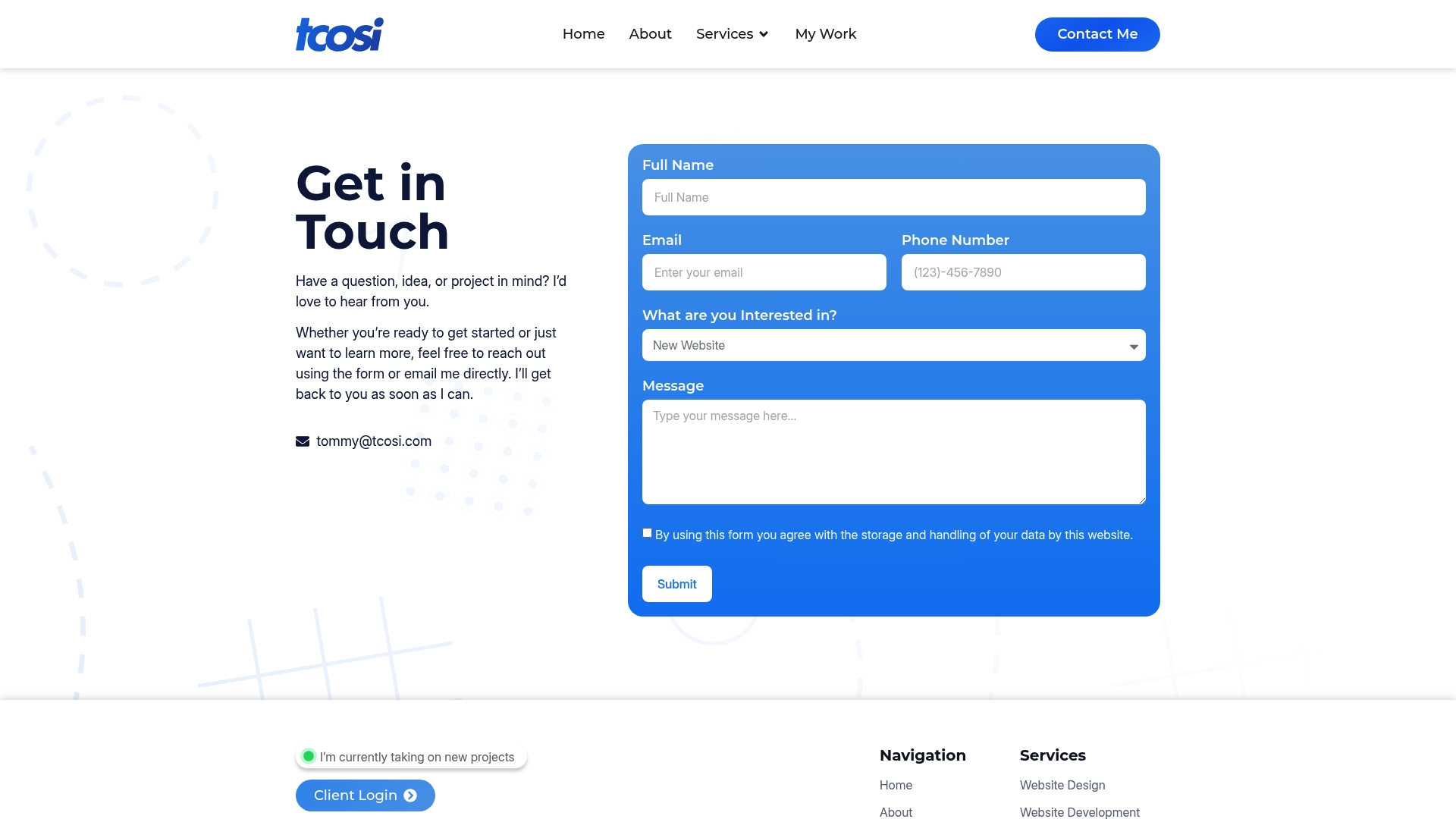
What makes working with tcosi different from hiring a large agency is the directness. You work with Tommy Cosimano personally, someone with a background in digital media, design, and marketing who understands both the technical side and the business goals behind every project. There are no account managers in the middle, no templated solutions handed off by a junior designer. Every site is built around what your business actually needs to grow — clean code, strong performance, clear calls to action, and a design that earns trust from the first visit.
Whether you need a new site, a redesign, or ongoing support to keep things running well, you can see current website pricing or reach out directly to start the conversation.
Key Takeaways
Effective website design starts with a clear purpose and builds every visual and technical decision around that goal — aesthetics alone do not convert visitors into customers.
| Point | Details |
|---|---|
| Purpose before aesthetics | Define your site’s one job before making any design decisions — lead gen, booking, or sales. |
| Performance is non-negotiable | Main content should load within 2.5 seconds to protect both user retention and search rankings. |
| Custom vs. template | Custom builds offer better SEO control, speed, and structured data options than template platforms. |
| Cost expectations | Professional small business websites typically cost $2,500–$6,000; WordPress custom builds can reach $12,000. |
| tcosi for custom work | tcosi builds custom WordPress sites for US small businesses with direct, personal involvement from founder Tommy Cosimano. |
FAQ
How much does it cost to design a website?
Professional custom website design for a small business typically costs $2,500–$6,000, with more complex WordPress builds reaching $12,000. No-code builders like Wix and Canva offer free or low-cost starting options with fewer customization options.
What are the five golden rules of a good website?
Definitions vary, but the most widely agreed-upon principles are clarity, consistency, visual hierarchy, accessibility, and fast load times. A site that nails all five gives visitors a reason to stay and act.
Is it possible to make a 100% free website?
Yes. Canva and Wix both offer free plans that publish a live site at no cost, though these plans include platform branding in your domain name and limited features. For a business site meant to build credibility, a paid plan or custom build is a stronger long-term choice.
How do I design a website by myself?
Start by defining your site’s goal, then choose a no-code platform like Canva or Wix for a DIY approach. Write your content first, keep the layout simple, and test every page on a mobile device before publishing. For better performance and SEO, a custom WordPress build with professional help is worth considering.