Kinsta and WP Engine are both excellent managed WordPress hosts, and for most small businesses neither is a bad choice. Kinsta usually wins on raw speed and a clean, modern dashboard. WP Engine usually wins on phone support, built-in environments and agency workflows. The right pick depends on who runs your site day to day, how many sites you manage, and how much you want to touch the technical side.
I build and maintain WordPress sites for a living, so I see both hosts from the client side of the table. Below is how I would decide, in plain language.
TL;DR
- Pick Kinsta if speed, a polished dashboard and developer-friendly tooling matter most, and you are fine with chat-based support.
- Pick WP Engine if you want phone support on higher tiers, three environments per site, or you run several client sites and need hand-off tools.
- Entry prices are close. Published monthly rates start around $35 for Kinsta and $30 for WP Engine for one site, but visits, add-ons and overages change the real bill.
- Hosting is only half the speed story. A heavy theme or a pile of plugins will slow either host down.
- Not sure? Start with the questions in the decision section below, then ask the person who maintains your site.
Table of Contents
- What managed WordPress hosting actually gives you
- Kinsta vs WP Engine at a glance
- Speed and performance
- Pricing: what the sticker does not show
- Support: chat or phone
- Staging, environments and developer workflow
- Which host fits which team
- Our perspective
- How to choose in five questions
- Moving hosts without breaking things
- Where tcosi fits
- FAQ
- Sources
What managed WordPress hosting actually gives you
Before comparing the two, it helps to know what you are paying for. Managed WordPress hosting differs from generic shared hosting in a few practical ways. Platform-level updates, malware and firewall protection, and staging as a built-in feature are the usual list. The simplest test I know: when “my site is down after an update” stops being your cleanup job and becomes the host’s problem to prevent or help with, a managed host is paying for itself.
One more thing to watch for. Real managed hosts quote limits in monthly visits or PHP workers, rather than leaning on “unlimited” claims. Both Kinsta and WP Engine do this, which is a good sign.
Kinsta vs WP Engine at a glance
| Kinsta | WP Engine | |
|---|---|---|
| Best for | Developer-led teams, speed-focused sites | Marketing-led brands, agencies with many sites |
| Entry price (published, one site) | About $35/month | About $30/month |
| Support | Chat-focused on all tiers | 24/7 phone support on higher-tier plans |
| Environments | One standard staging site, more as paid add-ons | Production, staging and development on every site |
| Infrastructure | Google Cloud, Cloudflare Enterprise integration | Multi-environment setup with its own agency portal |
| Agency tooling | Strong performance monitoring, no native Git push | Native Git deployment, transferable installs |
Prices move, and both companies run promotions, so confirm the current numbers on each host’s own pricing page before you buy.
Speed and performance
Kinsta has the reputation here, and it is mostly earned. Kinsta uses Google Cloud’s fastest C2 and C3D machines on all plans and offers more data center locations, which can mean lower latency for visitors far from a single region. Its speed also leans on Cloudflare Enterprise edge caching and compute-optimized machines.
Some comparison sites put numbers on the gap. One agency-focused comparison says Kinsta typically wins on raw speed by 100 to 200 milliseconds. Another test claims Kinsta loads 40% faster. Treat these as directional. Test setups differ, and a 150 ms difference on a well-built brochure site is not something your customers will feel.
What they will feel is a 4 MB hero image, a bloated page builder or twenty plugins. In my experience the host matters, but the build matters more. If your site feels slow, read how we approach hosting first, then everything else, for WordPress speed before you move hosts and hope for the best.
The WooCommerce caveat
If you run a store, look closely at object caching. Kinsta charges roughly $100 a month for its Redis add-on, which is a big line item that some other hosts include. The same review suggests WP Engine is the better pick if you want a WooCommerce-tuned default stack. For store owners, I would price the full stack, not just the starter plan. Our notes on server-first WooCommerce performance cover what to measure.
Pricing: what the sticker does not show
Both hosts price by sites and monthly visits. At the entry level, Kinsta’s Starter plan covers one site and 25,000 visits, and WP Engine’s Startup plan covers one site and 25,000 visits. The numbers look nearly identical, and the gap opens up later.
Things that change the real monthly cost:
- Extra sites. Adding sites beyond the bundled count costs extra on both platforms. WP Engine’s per-site extras can pass the next tier up quickly.
- Traffic overages. Going over your visit allowance adds charges, so a successful campaign can raise your bill.
- Add-ons. Redis, extra staging environments and similar upgrades are where “affordable” plans stop being affordable.
- Agency plans. Kinsta’s agency hosting starts at $280 a month for 20 sites, and WP Engine has more budget-friendly entry options, according to TechRadar’s 2025 comparison.
A fair rule: for one small site, the two cost about the same. As you add sites, traffic and extras, compare actual quotes for your numbers.
Support: chat or phone
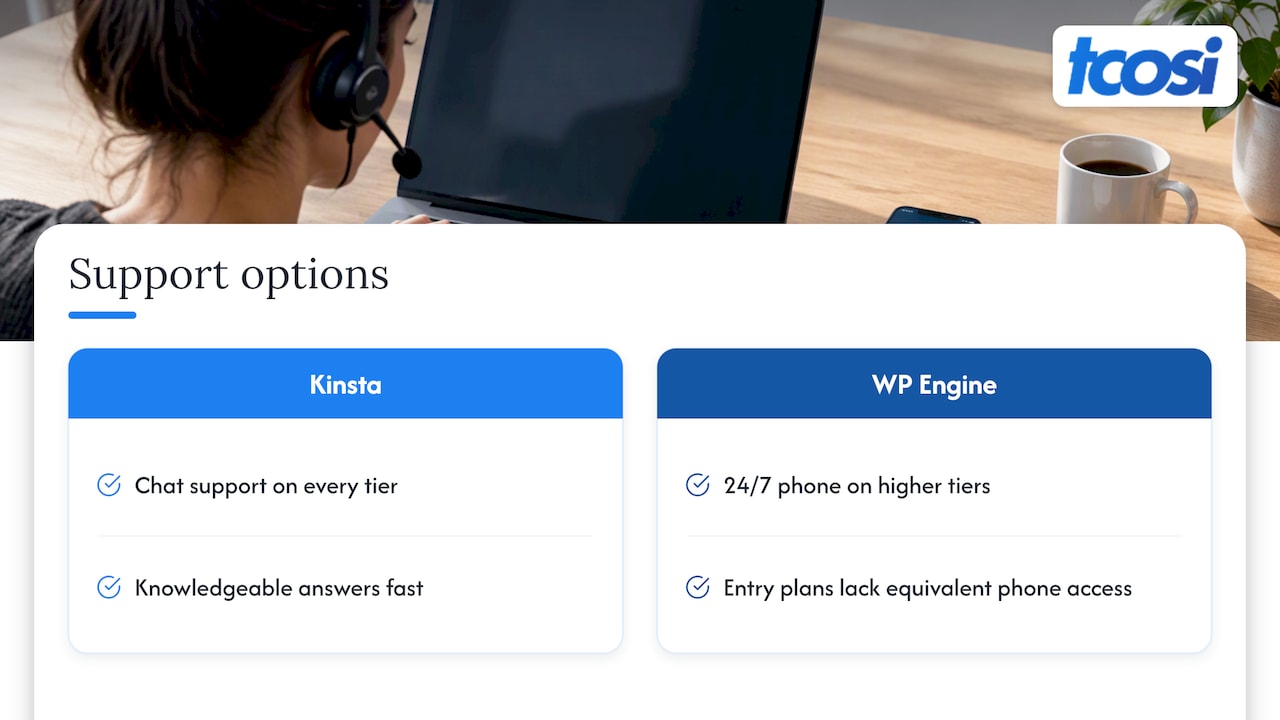
This is a real dividing line. WP Engine offers 24/7 phone support on higher-tier plans, while Kinsta stays chat-focused on every tier. If you are a business owner who wants to pick up a phone when the site is misbehaving, that matters. If you are comfortable in a chat window and want a knowledgeable answer fast, Kinsta’s model works well. Note that WP Engine’s entry plans do not get the same phone access, so check which tier includes it.
Honestly, many owners never contact host support at all, because the person maintaining the site does. That is worth keeping in mind when you weigh this category.
Staging, environments and developer workflow
Here the two differ in architecture. A WP Engine site natively includes Production, Staging and Development environments that operate independently. Kinsta gives you one standard staging environment per site, with premium add-ons for more. For agencies with complex release processes, WP Engine’s structure is often the better fit.
On tooling:
- WP Engine includes native Git-based deployment and transferable billing installs for client hand-offs.
- Kinsta has no native Git push but strong application performance monitoring. Other reviewers point to DevKinsta and Git integration as part of its developer appeal, so check the current feature list against your workflow.
For safer plugin updates, WP Engine’s Smart Plugin Manager uses visual regression testing and reverts changes if something breaks. Kinsta offers similar testing through its Automatic Updates, though WP Engine’s version is more tightly tied to its multi-environment setup.
Whichever host you choose, I would still test updates on staging first. We wrote up four safe ways to build a WordPress staging site and a staging-first approach to plugin management if you want a repeatable routine.
Which host fits which team
Industry reviewers tend to split it by team profile. WP Engine’s own comparison says Kinsta suits developer-led teams, while WP Engine suits marketing-led brands and agencies. That is a host describing its own category, so weigh it accordingly, but it matches what independent write-ups say. G2’s roundup, for instance, says WP Engine works best for teams that value managed performance, strong support and structured workflows.
| Your situation | Likely better fit |
|---|---|
| One brochure site, owner wants fast and simple | Kinsta or WP Engine, close call |
| Developer on your team who loves performance tooling | Kinsta |
| You want to call someone when something breaks | WP Engine (higher tier) |
| 5+ client sites, hand-offs, release stages | WP Engine |
| WooCommerce store with heavy traffic | Price both, including Redis and overages |
| Global audience, latency matters | Kinsta, for its data center spread |
Agency hand-offs have limits
One detail agencies should check: WP Engine’s client transfer tool is useful, but the receiving client must also create a WP Engine account before the transfer completes. If your clients are not technical, plan for that step. For broader handoff and publishing routines, this guide to WordPress publishing automation for content teams is a useful companion.
Our perspective
We build sites on top of hosting, so we see what happens after the sales page. Here is what we have learned.
The hosting decision gets too much weight and the maintenance decision too little. A fast host with outdated plugins, no backups and no one watching updates is still a risk. A good host with a well-built site and a routine for staging, updates and backups is a calm, boring site, and that is the goal.
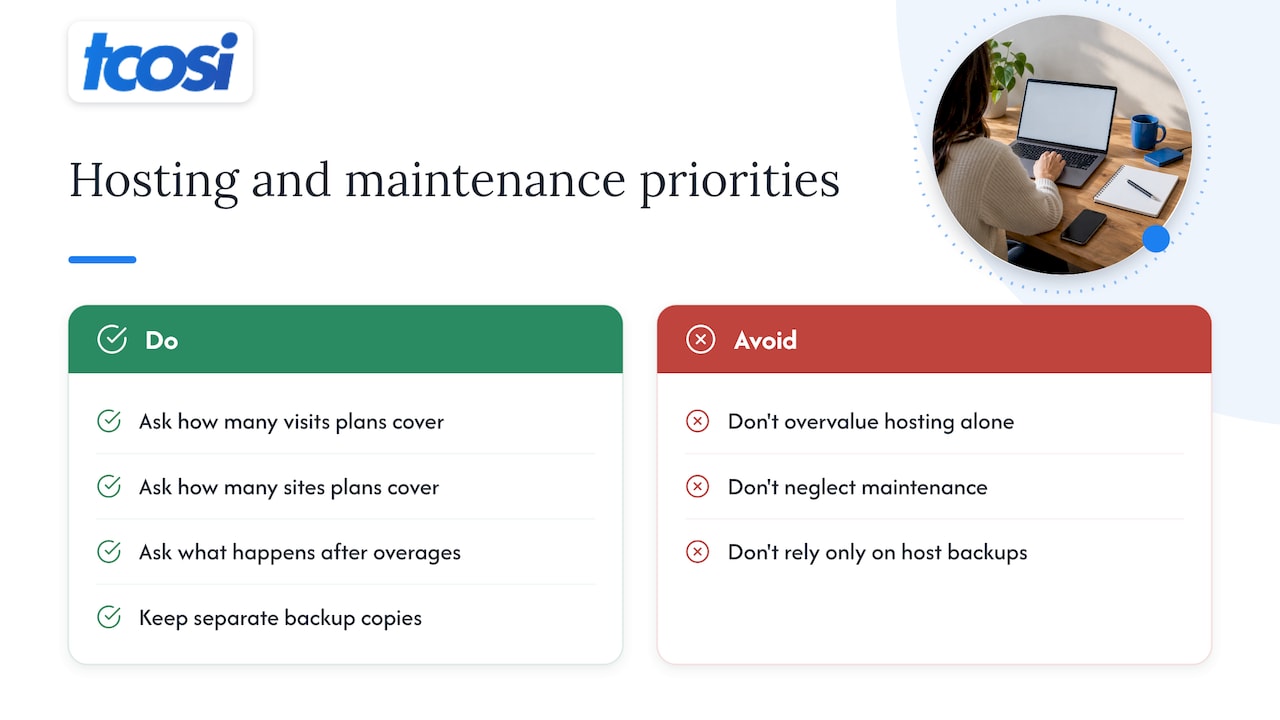
We do not sell hosting, so we have no reason to push one over the other. What we do care about is that you understand what you are buying. Ask each host how many visits and sites your plan covers, what happens when you go over, and who answers when it breaks at 9 p.m. Then pick the one whose answers you like.
And please keep your own copies. Hosts keep backups, but a separate set you control is cheap insurance. We explain how in our WordPress backup strategy piece, built around 30 days of immutable copies.
— Tommy Cosimano
How to choose in five questions
- How many sites do you run, now and in a year? One site favors either host. Many sites favor WP Engine’s bundled structure and agency tools, unless you are on Kinsta’s agency plans.
- Who maintains the site? If it is you alone, phone support and simpler workflows may matter. If it is a developer or agency, dashboard and tooling matter more.
- What is your traffic? Check monthly visits against each plan’s allowance, and price the overage.
- Do you run WooCommerce? Price object caching and compute needs before you commit.
- Do you need multiple environments? If you want production, staging and development with no add-ons, WP Engine includes them by default.
If the answers are mixed, that is a sign the two hosts are close for you, and you should decide on support style and total price.
Moving hosts without breaking things
A migration is where sites get hurt, so a little care goes a long way:
- Take a full backup you control before you start.
- Build and test on the new host’s staging area, not the live domain.
- Lower your DNS TTL a day ahead so the switch is quick.
- Check forms, checkout, redirects and caching after the cutover.
- Keep the old host active for a few days in case you need to roll back.
If you also use a CDN layer, our Cloudflare for WordPress setup guide shows how to add it with plugin-first staging. Note that Kinsta already bundles Cloudflare integration, so you would not stack another one on top without a reason.
Where tcosi fits
Whichever host you choose, I can help make the site on it worth the hosting bill. I design and build custom WordPress sites, with packages published on the website pricing page: Essentials at $1,200, Growth at $2,400 and Premium at $4,800, all one-time. Ongoing maintenance is $100 per month, covering content updates, plugin and security management. If you run an agency and need extra hands, see our white-label WordPress development service.
Want to talk through your setup first? Reach out through tcosi.com and I will tell you plainly what I would do.
FAQ
Is Kinsta better than WP Engine?
Not across the board. Kinsta tends to win on raw speed and dashboard design, while WP Engine tends to win on phone support, built-in environments and agency tools. For one small site the two are close, so choose on support style and total cost.
Which is cheaper, Kinsta or WP Engine?
Published entry plans start at about $35 a month for Kinsta and $30 a month for WP Engine. WP Engine is often cheaper at the low end and for multi-site agency setups, but add-ons, extra sites and overages can change that. Get a quote for your own traffic.
Does Kinsta offer phone support?
According to one agency hosting review, Kinsta stays chat-focused on all tiers, while WP Engine offers phone support on higher-tier plans. Confirm the current options on each host’s support page before buying.
Which is better for agencies?
Most reviewers favor WP Engine for agencies because of its three environments per site, Git deployment and transferable installs. Kinsta is still a strong option for performance-focused teams, and TechRadar notes Kinsta’s agency plans start at $280 a month for 20 sites.
Will switching hosts make my site faster?
Sometimes, but not always. If the slowness comes from a heavy theme, large images or too many plugins, a new host will only help a little. Fix the build first, then compare hosts.
Sources
- Kinsta Pricing 2026, NorthiScale
- Kinsta vs WP Engine: Performance Tested, NorthiScale
- WP Engine Pricing 2026, CheckThat.ai
- WP Engine Pricing Explained, Managed WP Guide
- WP Engine Add-on Fees and True Monthly Cost, ComparEdge
- Best Hosting for Agency Multiple Sites in 2026, TechGuard Picks
- Kinsta vs WP Engine: A Head-to-Head Comparison, TechHappened
- Kinsta UK Review 2026, TinkerNotes
- WP Engine vs Kinsta for Agencies, WhiteLabelWP
- Kinsta vs WP Engine, TechRadar
- Kinsta vs WP Engine 2026, FindBestWebHosting
- Manage Sites and Environments, WP Engine Support
- Smart Plugin Manager, WP Engine Support
- WP Engine vs Kinsta: A Complete Comparison Guide, WP Engine
- Best Managed Hosting Platforms on G2
- Best Managed WordPress Hosting in 2026, EasyMCPAI